Unfortunately, sometimes updating the Power-DB web site causes browsers to use the local cache instead of reloading the new site from the server.
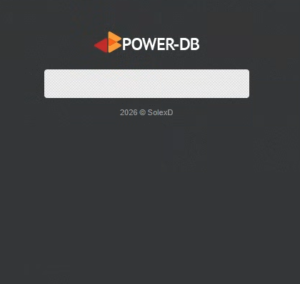
If you load Power-DB and the interface looks halfway loaded, missing information, no background or anything out of the ordinary, it probably means that you need to clear your browser’s cache.
Example of screen’s that need the cache to be cleared:
Login Screen example
PC and Laptop
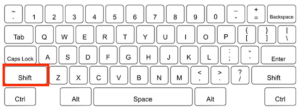
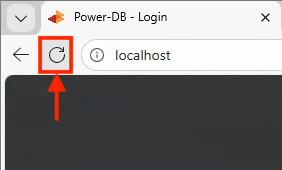
Hold down the Left Shift Key on the keyboard and while holding it down, click the Reload icon next to the browser’s URL bar.
This will clear the cache as the browser reloads the page.
+
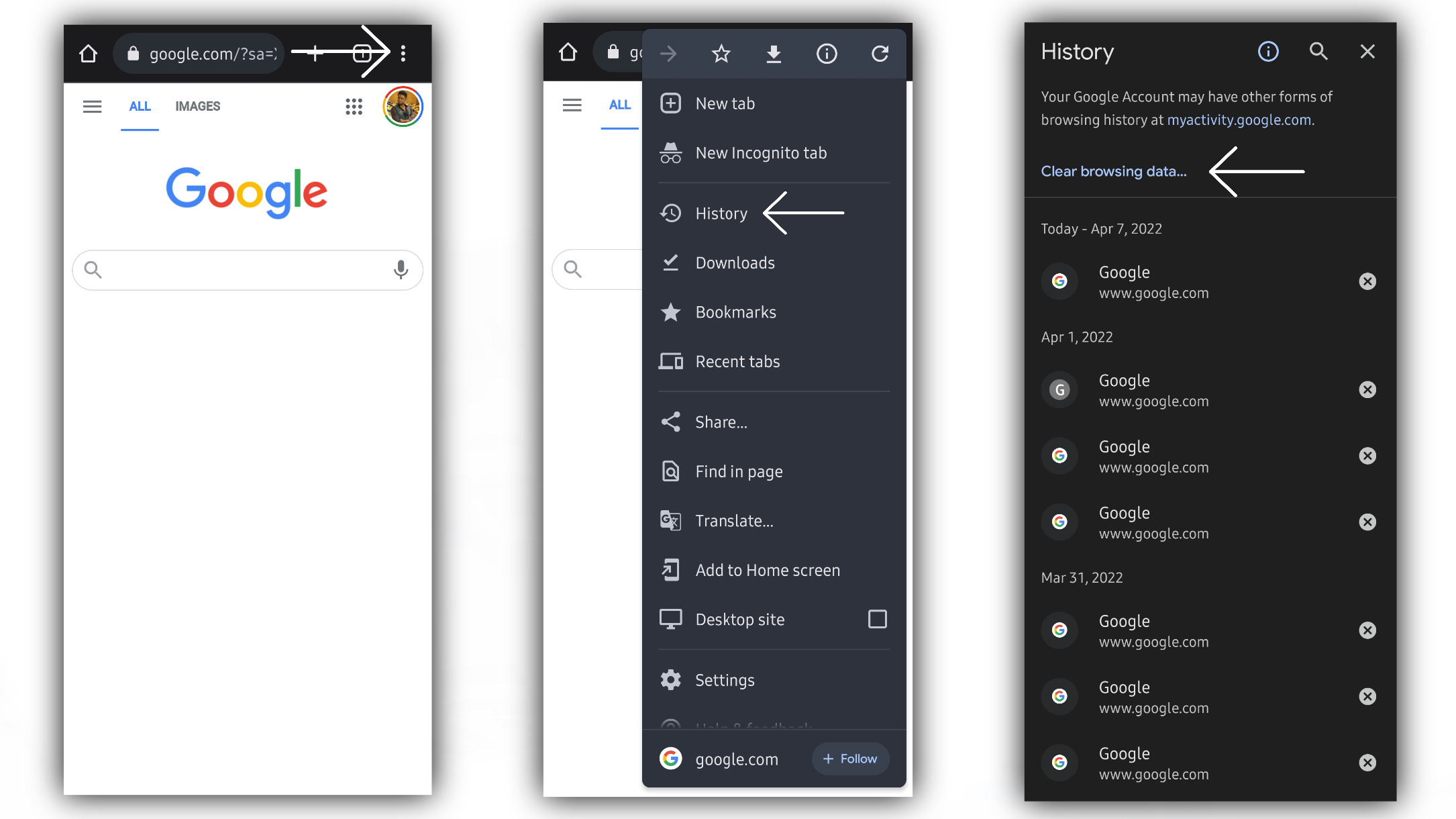
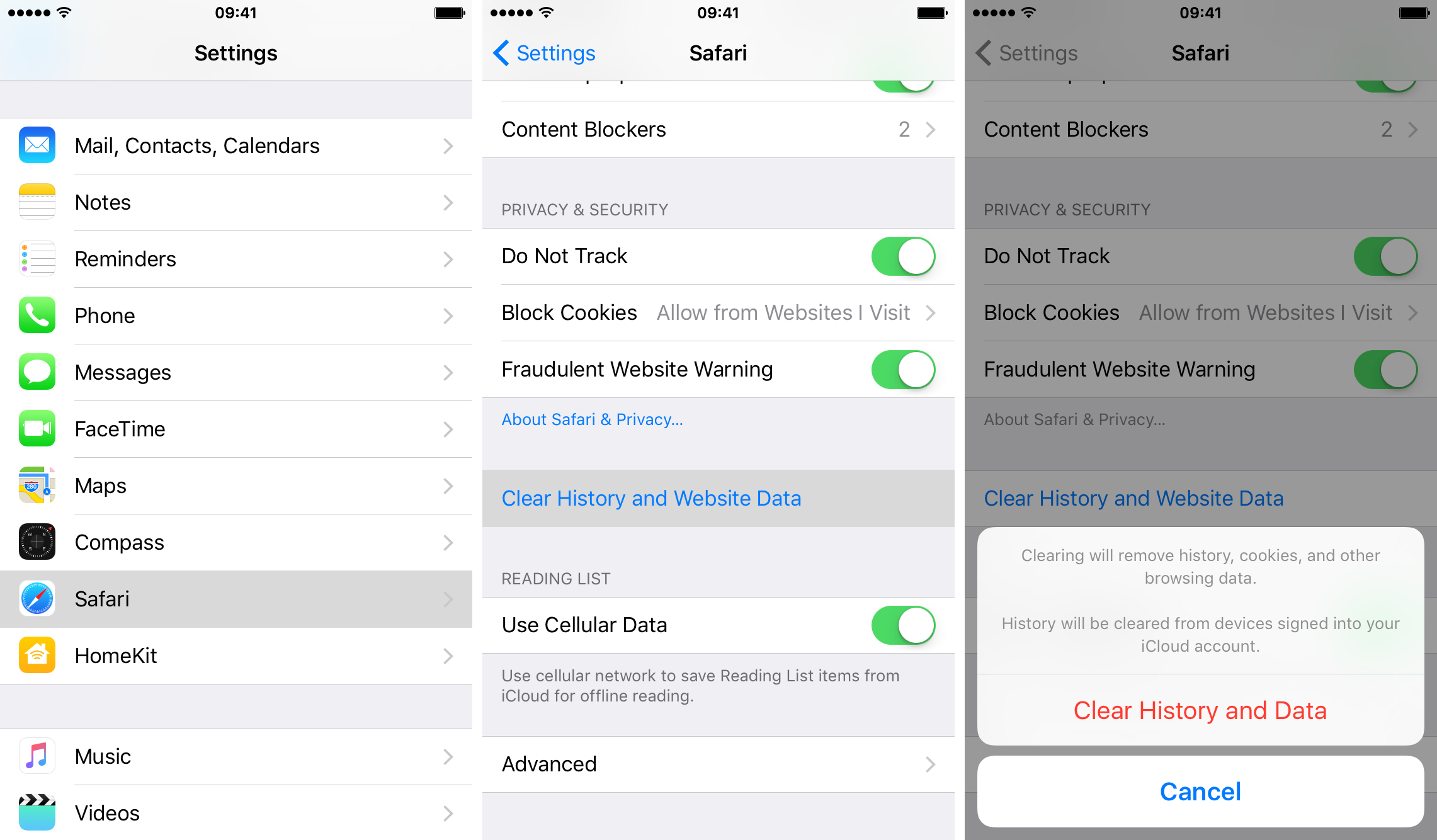
Mobile devices
From the browser there is usually a three-dot menu to tap, then tap delete files, or delete cache, or delete browsing data.
This will allow you to delete the cache. Then, reload the site.